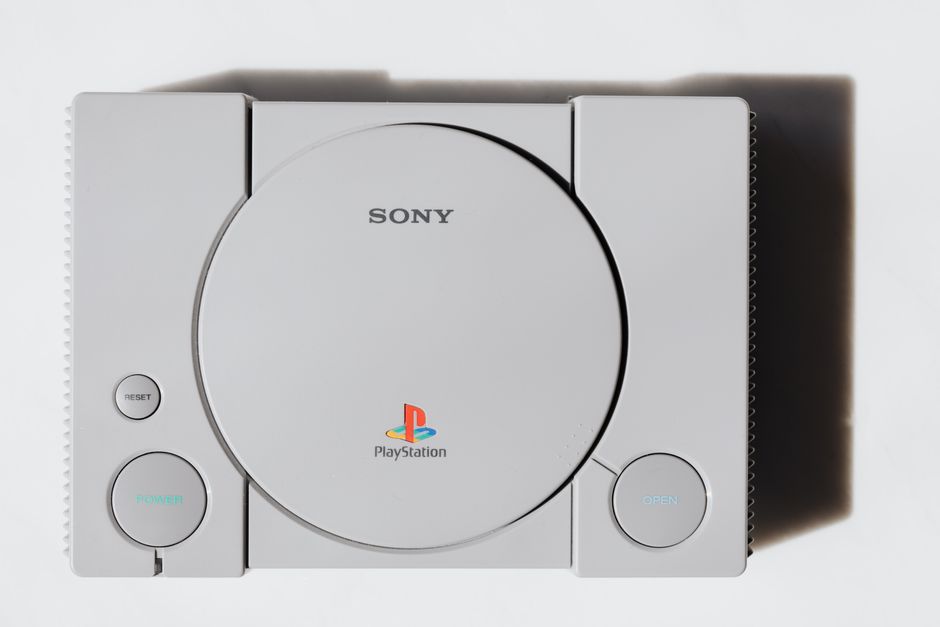
Overview of PlayStation 5
The **PlayStation 5** represents Sony’s most ambitious gaming console to date, launching in November 2020 with groundbreaking features that redefine console gaming. This next-generation system delivers unprecedented performance with its custom AMD Zen 2 CPU and RDNA 2 GPU architecture. The console supports **4K gaming at 60fps**, with select titles reaching 120fps for ultra-smooth gameplay.
Compared to the PlayStation 4 and PlayStation 4 Pro, the PS5 offers dramatically faster loading times thanks to its custom SSD storage system. Games that took 30-60 seconds to load on PS4 now load in under 10 seconds. The console also features **ray tracing technology**, creating realistic lighting and reflections that were previously impossible on console hardware.
Key improvements include the revolutionary DualSense controller with haptic feedback, 3D audio processing, and backward compatibility with most PS4 titles. The PS5 comes in two versions: the standard edition with a 4K Blu-ray drive and the Digital Edition without a disc drive, offering the same performance at a lower price point.
PlayStation 5 Hardware and Accessories
The PlayStation 5’s striking **white and black design** measures 15.4 x 10.2 x 4.1 inches, making it the largest PlayStation console ever released. The curved exterior panels provide both aesthetic appeal and functional cooling, while the console can be positioned vertically or horizontally using the included stand.
Included accessories comprise the **DualSense wireless controller**, HDMI 2.1 cable, USB-C charging cable, and console stand. The DualSense controller features adaptive triggers that provide varying resistance levels, haptic feedback for immersive tactile sensations, and a built-in microphone for voice chat without a headset.
Optional accessories expand the PlayStation 5 experience significantly. The **PlayStation VR headset** remains compatible through a free adapter, while additional DualSense controllers support local multiplayer gaming. The Pulse 3D wireless headset optimizes the console’s 3D audio capabilities, and external USB storage drives can store PS4 games and media files.
Setting Up PlayStation 5
Unboxing your PlayStation 5 requires careful handling due to its size and weight. Remove all protective packaging and connect the **HDMI 2.1 cable** to your TV’s HDMI port that supports 4K and HDR. For optimal performance, ensure your TV supports HDMI 2.1 features like Variable Refresh Rate and Auto Low Latency Mode.
Connect the power cable and press the power button to begin initial setup. The console will guide you through language selection, internet connection, and **PlayStation Network account linking**. A stable internet connection is essential for downloading system updates and accessing online features.
System software updates download automatically during setup, often requiring 15-30 minutes depending on your internet speed. The initial update typically includes critical performance improvements and new features, so avoid skipping this step for the best gaming experience.
PlayStation 5 User Interface and Navigation
The PlayStation 5’s **Control Center** provides quick access to essential features without leaving your current game. Pressing the PlayStation button brings up this overlay, showing recent activities, friends online, music controls, and system notifications. The interface emphasizes visual cards that display game progress, trophies, and social features.
Customizing your user profile involves selecting an avatar, background theme, and privacy settings through the Settings menu. The **Game Library** organizes your collection by installation status, purchase date, and game type. Featured games appear prominently with dynamic backgrounds and music.
Navigating the PlayStation Store showcases new releases, sales, and personalized recommendations based on your gaming history. The **Media tab** provides access to streaming services like Netflix, Disney+, and Spotify, transforming your console into a complete entertainment hub.
PlayStation 5 Games and Backward Compatibility
Launch titles demonstrate the PlayStation 5’s capabilities across various genres. **Demon’s Souls** showcases stunning visual fidelity and lightning-fast loading, while **Spider-Man: Miles Morales** highlights ray tracing and haptic feedback integration. Astro’s Playroom, pre-installed on every console, serves as an exc nt introduction to DualSense controller features.
Backward compatibility supports over **99% of PlayStation 4 games**, with many receiving automatic performance boosts. Popular titles like God of War, Horizon Zero Dawn, and The Last of Us Part II run smoother with reduced loading times and improved frame rates on PS5 hardware.
PS4 games benefit from the **Game Boost feature**, which can increase resolution, improve frame rates, and reduce loading times without developer updates. However, some games may experience compatibility issues, so checking Sony’s official compatibility list ensures optimal performance.
PlayStation 5 Features and Mechanics
The **Ultra HD Blu-ray drive** (standard edition only) supports 4K movie playback with HDR support, making your console a premium media player. The drive also reads PS4 and PS5 game discs, providing flexibility for physical game collections and rental options.
**Tempest 3D AudioTech** creates immersive soundscapes that position audio sources in three-dimensional space. This technology works with any headphones or TV speakers, though dedicated gaming headsets maximize the effect. Games like Returnal and The Last of Us Part II demonstrate exceptional spatial audio implementation.
The DualSense controller’s **adaptive triggers** vary resistance based on in-game actions. Drawing a bow feels different from pulling a gun trigger, while haptic feedback replaces traditional rumble with precise vibrations that simulate textures, impacts, and environmental effects like rain or footsteps on different surfaces.
PlayStation 5 Tips and Tricks for Beginners
Optimizing display settings ensures the best visual experience for your TV or monitor. Navigate to Settings > Screen and Video to enable **4K output, HDR, and VRR** if your display supports these features. Adjust the HDR brightness calibration for proper contrast and color accuracy in supported games.
The **PlayStation App** for smartphones enables remote play, allowing you to stream games to your mobile device over Wi-Fi. The app also functions as a second screen for compatible games and provides social features like messaging friends and viewing trophies.
Managing the **825GB internal SSD** requires strategic thinking, as PS5 games must be stored on internal or compatible M.2 expansion storage. Move infrequently played PS5 games to external USB storage, though they’ll need transfer back for playing. PS4 games can run directly from external drives.
PlayStation 5 Common Issues and Solutions
Hardware problems typically involve **overheating, disc reading errors, or controller connectivity issues**. Ensure proper ventilation around the console, with at least 4 inches of clearance on all sides. Clean dust from air vents monthly using compressed air to maintain optimal cooling performance.
Software crashes often result from corrupted game data or system software conflicts. **Rebuilding the database** through Safe Mode can resolve many performance issues. Hold the power button for 7 seconds when the console is off, then select “Rebuild Database” from the Safe Mode menu.
Network connectivity problems may require **DNS changes or router configuration adjustments**. Using Google DNS (8.8.8.8 and 8.8.4.4) often improves connection stability. For persistent issues, contact PlayStation customer support through their website chat system or phone support for personalized troubleshooting assistance.
| Feature | PlayStation 4 | PlayStation 5 |
|---|---|---|
| Loading Times | 30-60 seconds | 2-10 seconds |
| Resolution | Up to 1080p/4K checkerboard | Native 4K |
| Frame Rate | 30-60 fps | 60-120 fps |
| Storage | HDD | Custom SSD |
| Audio | 7.1 Surround | 3D Audio |
Frequently Asked Questions
Q: What is the difference between PlayStation 5 and PlayStation 5 Digital Edition?
A: The Digital Edition lacks a 4K Blu-ray disc drive and costs $100 less than the standard PS5. Both consoles have identical performance, but the Digital Edition can only play downloaded games and media.
Q: How do I transfer my data and games from PlayStation 4 to PlayStation 5?
A: Use the PlayStation 5’s built-in data transfer feature via Ethernet cable, or upload PS4 save data to PlayStation Plus cloud storage and download it on PS5. The transfer process typically takes 1-3 hours depending on data amount.
Q: Can I use my PlayStation 4 accessories with PlayStation 5?
A: Most PS4 accessories work with PS5, including DualShock 4 controllers (for PS4 games only), PlayStation VR headset (with free adapter), and officially licensed gaming headsets. However, DualShock 4 controllers cannot play PS5 games.
Top Product Recommendations
| Product Name | Rating | Key Feature | Est. Price | Action |
|---|---|---|---|---|
| Top-rated PlayStation 5 console | ★★★★★ | Editor-recommended PlayStation 5 console from this guide | $18–$42 | Check Lowest Price on Amazon |
| Best-value DualSense wireless controller | ★★★★☆ | Affordable DualSense wireless controller — strong everyday results | $12–$28 | Check Lowest Price on Amazon |
| Premium PlayStation VR headset adapter | ★★★★☆ | Higher-end PlayStation VR headset adapter for visible, lasting results | $45–$95 | Check Lowest Price on Amazon |
Affiliate Disclosure: This post contains affiliate links. We may earn a commission if you buy through our links, at no extra cost to you.
Leave a Reply